Kraken Academy
Learn the ropes, rule the seas
Opportunities: 3 Ways to Create an Opportunity 💰
1. In Opportunities View
Select the Blue “+ Add Opportunity” button

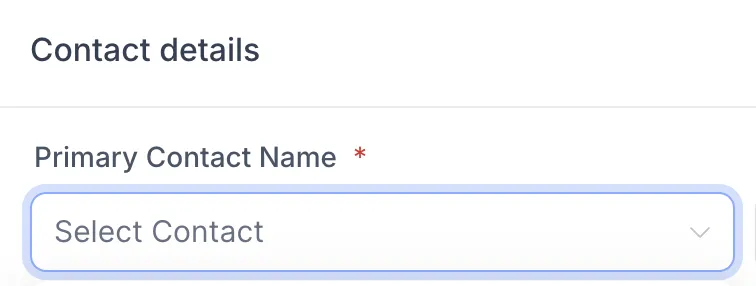
Select the primary contact, and fill out other information you would like on the opportunity card.
2. In Contact View
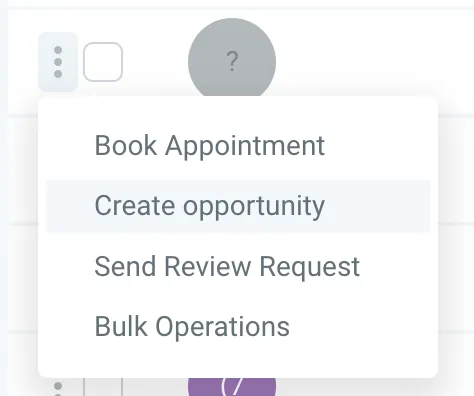
Find the contact that you wish to make an opportunity for, the click the 3 dots and select “Create opportunity”
3. In The Contact
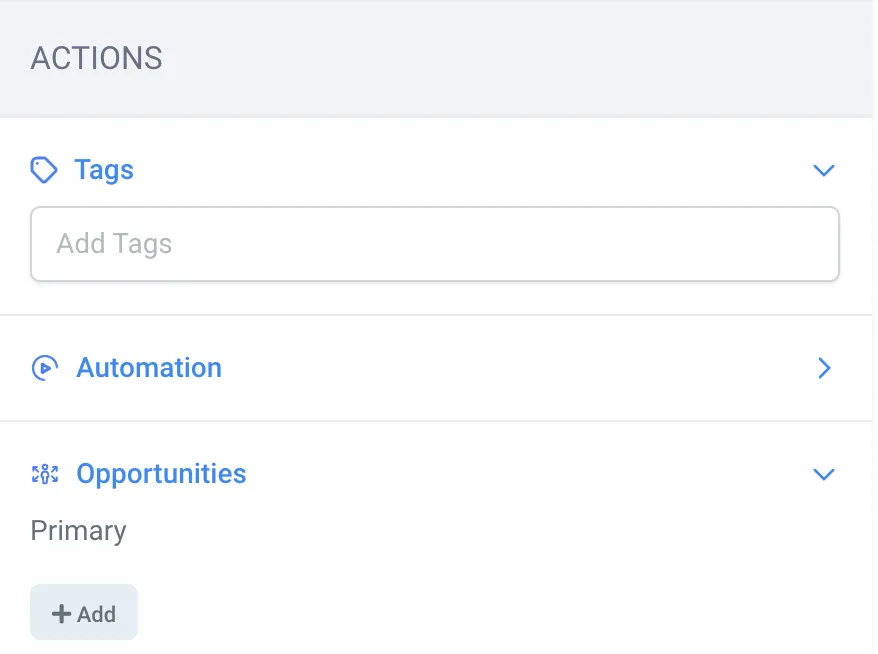
Open the contact card, and scroll to the bottom to “Actions”, Then under “Opportunities” click the “+Add” Button